SaaS costs: clean up your software stack without chaos
SaaS costs grow quietly in small teams. Assign owners, remove duplicate tools, plan renewals and stop unused seats before cashflow leaks.
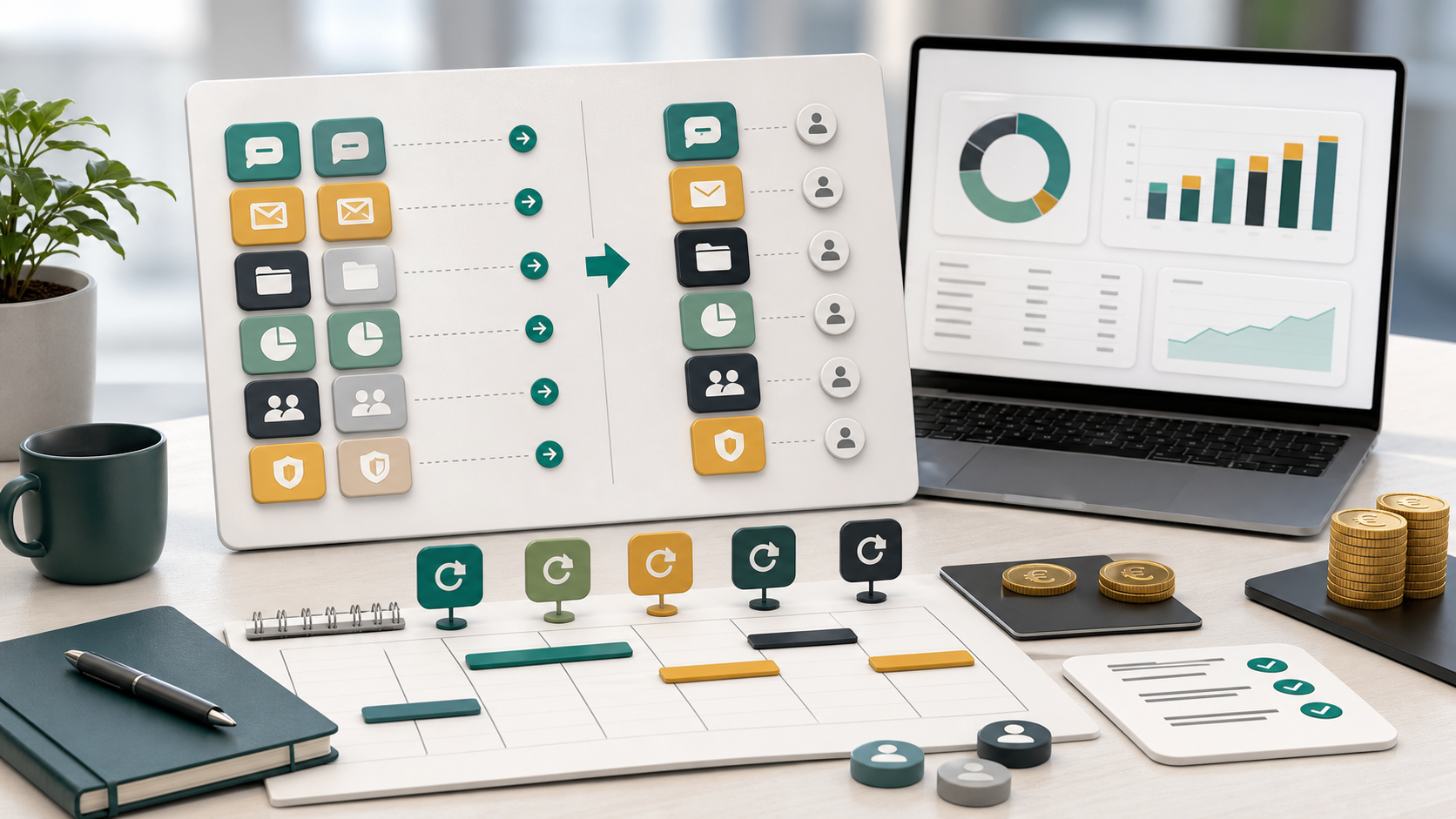
SaaS costs rarely look dangerous one invoice at a time. A project tool, CRM, storage plan, design app, AI credits, booking tool, password manager, newsletter platform, support chat, analytics suite, automation add-on and a few forgotten trials can all feel reasonable. In a small team, the problem starts when nobody sees the total.
That is subscription creep at work. Software subscriptions get added for good reasons, but they keep growing through unused seats, duplicate workflows, annual renewals, ownerless tools and automatic upgrades. The problem is not that a small team uses software. The problem is that SaaS costs often grow faster than the team reviews value.
A SaaS cleanup is not a panic cut. It is a cashflow routine. You make every tool visible, assign an owner, check whether it still has a job, compare overlap and put renewal dates into the financial calendar. The U.S. Small Business Administration advises business owners to categorize expenses and put recurring costs into context. SaaS costs deserve that same discipline.
SaaS costs start with a complete inventory
Do not begin by canceling. Begin by finding everything. SaaS costs can sit on a company card, founder card, PayPal account, app store, bank transfer, invoice mailbox or freelancer reimbursement. Finance may see part of the spend, but the team often knows which tools are actually used.
Create one inventory with tool name, function, monthly cost, annual cost, payment date, contract type, number of seats, owner, last real use, renewal date and cancellation terms. Convert annual plans to monthly impact and monthly plans to yearly impact. SaaS costs are easier to discuss when everyone sees both numbers.
The point is not a perfect procurement database. The point is a shared list that can drive decisions. A 25 euro tool can be fine. Ten 25 euro tools without owners are not fine. A 1,200 euro annual renewal can be worth it, but only if the team saw it before it hit the bank account.
Assign one owner to every tool
A tool without an owner becomes nobody's responsibility. It may still be useful, but nobody is clearly accountable for seats, security, price changes, renewal timing, data exports or cancellation. That is how SaaS costs keep running after the original project has ended.
Assign a business owner to every tool. The owner is not always the person who pays the bill. The owner is the person who can explain why the tool exists, which workflow depends on it, who needs access and when it should be reviewed again.
Make blank ownership visible. If nobody can explain a tool, move it into an investigate column. Do not cancel blindly if data, integrations or customers depend on it. But do not let it renew silently either. Ownerless SaaS costs are a management risk, not just an accounting detail.
Look for duplicate jobs, not duplicate names
Duplicate tools rarely have identical names. The overlap is usually functional. A CRM sends newsletters while marketing also pays for email software. A project tool has forms while operations uses a separate form builder. A support tool stores customer notes while sales keeps another database.
Map tools by job: communication, documents, file storage, task management, reporting, analytics, CRM, marketing automation, design, forms, support, AI, finance and scheduling. SaaS costs become clearer when every tool has a job and every job has an owner.
Then score each tool: keep, consolidate, downgrade, pause, investigate or cancel. Consolidation is not always choosing the cheapest tool. Sometimes the more expensive platform replaces three smaller subscriptions and reduces handoff friction. Sometimes the cheap tool is expensive because nobody uses it.
Seats are the fastest cleanup
Many teams search first for whole tools to remove, but unused seats are often easier. A contractor finished the assignment. A former employee still has a paid seat. A viewer has editor access. A team member needed a premium feature once and never again. SaaS costs rise while the workflow stays the same.
Run a seat audit before a tool audit. Who logged in during the last 30, 60 or 90 days? Who needs admin rights? Who can move to read-only? Which seats are tied to people who left? Which paid add-ons are active only because they were enabled during onboarding?
Be careful with security and license terms. Do not share accounts when that violates terms or weakens access control. But do remove access that is no longer needed. Seat cleanup lowers SaaS costs without forcing a team to change tools overnight.
Annual renewals belong in cashflow planning
Annual SaaS plans can be sensible when they create a real discount, but they hide timing. A monthly tool becomes one large withdrawal. In a small team, that withdrawal may land next to payroll, VAT, hosting, insurance, tax reserves or a slow sales month.
Put every annual renewal into cashflow planning with two dates: decision date and payment date. The payment date tells you when money leaves. The decision date tells the owner when to review usage, seats, pricing, exports and alternatives. A renewal due on October 1 may need a review on August 1.
SCORE notes that an operating budget helps plan due dates for recurring expenses. That applies directly to SaaS costs. The tool may be valuable, but the payment still needs timing. FlowyZ is useful here because renewal decisions become future cashflow events instead of calendar surprises.
Keep cancellation evidence
Canceling software is not complete when someone thinks they clicked the button. SaaS cancellation can fail quietly: a workspace remains active, an add-on renews separately, a downgrade does not end billing, or the confirmation lands in one person's inbox. The SaaS costs return next month and nobody knows why.
Create a cancellation routine. Record who canceled, when, through which channel, what the final access date is and where the confirmation is stored. Export data before access ends. Check integrations, webhooks, invoices, customer-facing forms and user permissions before the final day.
Then schedule a bank check after the end date. If the charge appears again, the team has evidence and an owner. Without evidence, cancellation becomes guesswork. With evidence, it becomes a closed task.
Keep the SaaS register small
You do not need enterprise procurement software to control SaaS costs. A spreadsheet, simple database, bookkeeping label or FlowyZ planning view can work if the team maintains it. The register should make decisions easier, not become another abandoned tool.
Use a short set of columns: tool, job, owner, monthly cost, annual cost, payment date, renewal date, seats, contract type, status and next action. Add more fields only when someone will use them. A complex register that nobody updates is just more operational clutter.
Tie the register to the monthly plan. The article about cash runway for small teams makes the same point from another angle: fixed costs are not background noise. They define how much time and choice the team really has.
New tools need a review date
The best SaaS cleanup is prevention. When a team buys a new tool, set a review date immediately. That date can be before the trial ends, before the first annual renewal or after the first project milestone. Without a review date, the tool becomes part of the permanent stack by default.
Every new tool should answer three questions. What existing tool does it replace? Who owns it? What result proves that it should stay? If the answer is unclear, the tool may still be worth testing, but the test needs an end.
This matters because small teams move fast. A founder, marketer or developer can solve a problem in an afternoon by buying software. That speed is useful. But speed without cleanup creates SaaS costs that nobody planned.
Do not confuse savings with productivity loss
Not every reduction is smart. A tool that saves hours, reduces errors, protects security or helps revenue may be worth more than its invoice. The SBA frames cost-benefit analysis as a way to put benefits and cost reductions into context. SaaS costs should be judged the same way.
Compare value with cost. An 80 euro tool that saves four hours every week is probably not the problem. A 9 euro tool nobody opens is a problem. Small charges matter because they stack quietly, not because every small charge is bad.
Ask a practical question: what breaks if we do not have this for 30 days? If the answer is vague, try a pause, downgrade or owner review. If the answer is concrete and risky, keep the tool but tighten ownership, seats and renewal planning.
Build a quarterly SaaS costs routine
A SaaS cleanup does not need to become weekly admin. A quarterly rhythm is enough for many small teams. First, export payments and update the register. Second, owners check usage, seats and overlap. Third, the team decides: keep, downgrade, consolidate, pause or cancel. Fourth, actions are completed and cashflow is updated.
Start with the highest leverage items: the ten most expensive tools, all renewals in the next 90 days, every tool without an owner and every product category with overlap. That usually finds the biggest SaaS costs risk without turning the review into a full-day meeting.
Put the results back into FlowyZ. Lower plans become lower recurring costs. Canceled tools get end dates. Annual renewals get decision dates. Savings get a destination. Otherwise the cleanup is only a spreadsheet exercise.
From tool sprawl to cashflow control
SaaS costs are not the enemy. Software is often how small teams move faster than their size suggests. But tools without owners, duplicate workflows, unused seats and surprise renewals take money from payroll, buffer, marketing, customer work and calm decision-making.
Start with a complete inventory. Assign owners. Map duplicate jobs. Clean seats. Plan annual renewals. Store cancellation evidence. Give every new tool a review date. Then SaaS cleanup becomes a normal operating rhythm instead of a stressful cost-cutting day.
FlowyZ fits that rhythm because SaaS costs are recurring cashflow events. Once amounts, dates and decisions are visible, a small team can choose better: enough software to work well, less automatic leakage, and fewer renewal surprises.
SaaS costs checklist for Friday afternoon
Use a short Friday check to keep SaaS costs alive. Which SaaS costs renew within 90 days? Which SaaS costs have no owner? Which SaaS costs belong to tools with fewer than three active users? Which SaaS costs overlap with another tool?
Those four questions are enough to make SaaS costs discussable without turning cleanup into a large project. Put the answers into FlowyZ, assign one owner per action and schedule the next review. SaaS costs then stay a managed cashflow line instead of a collection of automatic charges.